
 adjustable trigger magnetic keyboard

カート
カートが空です
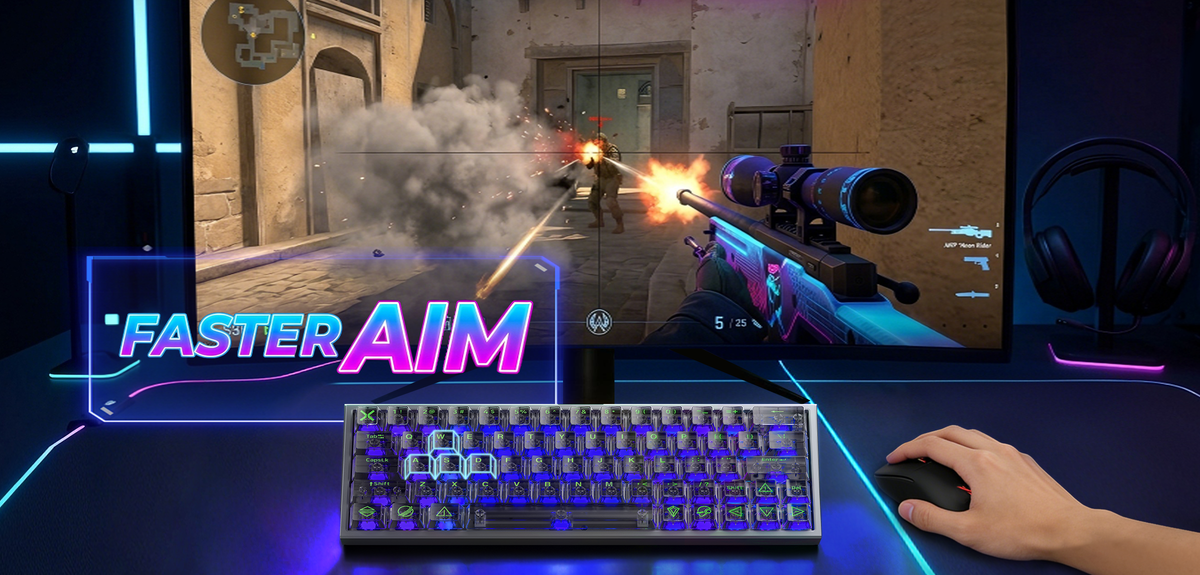
● Best actuation: 0.1–0.2mm
● Rapid trigger: ON
👉 Faster stop = better aim in CS2
Inconsistent aim in CS2? The culprit might not be your mouse — it could be your keyboard. Learn to eliminate input drift that throws off your movement and spray control. If you're new to this technology, read this Hall Effect keyboard guide → The Ultimate 2026 Guide to Configuring Your Hall Effect Keyboard

Most players use default settings, which leads to delayed stop timing and missed shots.
Lower actuation reduces input delay and improves responsiveness.

Rapid trigger allows instant reset, helping you re-peek faster.

● Faster counter-strafe
● More accurate first shot
To fully benefit from these settings, you need a keyboard that supports the rapid trigger feature.
See some top options here: best hall effect keyboards → Best Keyboard for Valorant in 2026: What Competitive Players Should Know
If you're down to improve performance:
● X60 HE → optimized for competitive FPS
● A75 Ultra → better balance for mixed gameplay
Settings alone are not enough — hardware matters too.
Compare technologies here:
Hall Effect vs mechanical keyboards → What Is a Hall Effect Keyboard? A Complete Guide for Competitive Gaming Gear
adjustable trigger magnetic keyboard
 Best Hall Effect gaming keyboard
 Best Hall Effect gaming keyboard