
 competitive gaming mouse

카트
장바구니가 비어있습니다
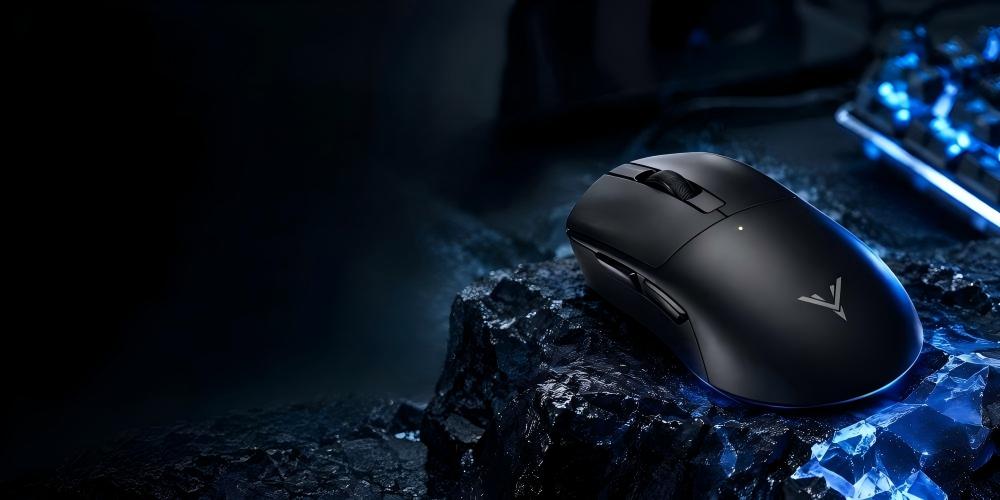
🎮 Players often focus on aim, sensitivity, and response speed, but there is another detail worth considering: how a mouse click feels.
Some gamers prefer a crisp, noticeable click. Others want a lighter sensation that does not distract them during intense matches. The right feedback can make mouse controls feel more natural and consistent, especially when a game demands repeated inputs.
This is where the DrunkDeer GLACIER X stands out. By combining MIMS (Magnetic Induction Micro Switch) technology with customizable haptic feedback, it gives players more control over their clicking experience.
Click feedback gives players a physical cue when they press a mouse button. It helps them recognize each input without looking away from the screen.
Think about a fast-paced FPS match. You may need to aim, fire, release the button, and react again within a short period. A consistent clicking experience can help you develop a comfortable rhythm and stay focused on the game.
However, stronger feedback does not automatically mean better performance. Some players enjoy a pronounced click sensation, while others find it distracting. Personal preference, comfort, and consistency all play a role.
A good gaming mouse click feedback system should provide a clear, comfortable experience without getting in the way of gameplay.
Many gaming mice offer a fixed button feel. The DrunkDeer GLACIER X takes a more flexible approach with a built-in linear motor and five haptic intensity presets.
Players can choose the feedback level that suits their preferences instead of relying on a single default setting.
For example, a player who likes a more noticeable tactile sensation may prefer a higher intensity. Someone who wants a subtler feel can try a lower setting. Neither option is universally better. The goal is to find a balance that feels comfortable during actual gameplay.
The GLACIER X combines several functions that affect different parts of the clicking experience.
MIMS Magnetic Induction Micro Switch: Uses magnetic induction to detect switch movement rather than conventional mechanical contacts. This design supports adjustable actuation and Rapid Trigger.
Customizable Haptic Feedback: A built-in linear motor produces tactile feedback, with five intensity presets for different preferences.
Adjustable Actuation: Allows players to customize the activation point to suit their clicking habits.
Rapid Trigger: Supports dynamic switch reset behavior, which can benefit players who make repeated, rapid inputs.
Each feature serves a different purpose. MIMS handles switch detection, adjustable actuation and Rapid Trigger affect switch behavior, and haptic feedback changes the tactile sensation players feel. Together, these options give gamers more control over how the mouse responds.

A comfortable click is only part of the experience. The mouse also needs to report inputs efficiently and track movement accurately.
The DrunkDeer GLACIER X uses a Nordic nRF54LM20A MCU and supports an 8000Hz polling rate in both 2.4GHz wireless and USB-C wired modes.
At 8000Hz, the mouse can report its state at intervals of approximately 0.125 milliseconds. This figure describes the polling interval, not the total time between a physical click and an action appearing on screen. The complete input path also depends on switch detection, firmware, the computer, and the game.
The GLACIER X also features the PAW3955 sensor, with the following specifications:
DPI range: 100–50,000
Maximum acceleration: 60G
Maximum tracking speed: 750 IPS
These figures describe the sensor's tracking capabilities rather than click feedback itself. Alongside the switch system and polling rate, they help define the mouse's overall performance.
For competitive players, it makes more sense to consider these features together than to judge a mouse by one specification alone.

There is no single configuration that works for every gamer. Your preferred settings depend on the games you play, your clicking habits, and how much tactile feedback you enjoy.
Here are a few practical starting points:
Prefer a distinct click sensation? Try a higher haptic intensity and see whether it feels comfortable over several matches.
Want a more subtle feel? Start with a lower intensity to reduce the sensation under your fingers.
Use repeated, fast inputs? Experiment with adjustable actuation and Rapid Trigger to find a response that suits your playing style.
Play for hours at a time? Prioritize comfort and avoid settings that become distracting during longer sessions.
One useful tip: change only one setting at a time. If you adjust haptic intensity, actuation, and sensitivity together, it becomes difficult to tell which change made a difference.
Test each configuration in a familiar game before deciding whether to keep it. A setting that feels impressive for a few minutes may not be the most comfortable choice for an entire gaming session.

Yes. Switch technology matters, but the mouse still needs to feel comfortable in your hand.
The DrunkDeer GLACIER X features an ergonomic multi-grip design intended to support palm, claw, and fingertip grips. Each grip style affects how your fingers reach the buttons and control the mouse.
Palm grip: Your hand rests more fully on the mouse, providing support across a larger area.
Claw grip: Your palm provides support while your fingers arch over the buttons.
Fingertip grip: Your fingers guide the mouse with minimal palm contact, allowing a different approach to movement and control.
Your grip can influence how easily you press the buttons and how much pressure you naturally apply. When evaluating a gaming mouse, consider its shape and click feel together rather than treating them as separate features.

Before choosing a gaming mouse, look beyond headline specifications. Consider how its features work together during everyday use.
Switch technology: Check how the mouse detects clicks and whether it supports adjustable actuation or Rapid Trigger.
Click feedback: Find out whether the mouse offers customizable tactile feedback or a fixed click sensation.
Polling rate: Review the supported rate in wired and wireless modes, along with your system's capabilities.
Sensor performance: DPI range, tracking speed, and acceleration describe different aspects of tracking. The highest number does not automatically make a mouse the best fit for you.
Shape and comfort: A mouse should suit your hand and remain comfortable during extended sessions.
For players who value personalization, adjustable click feedback deserves particular attention. It gives them another way to tailor the mouse to their preferences instead of accepting a fixed experience.
The DrunkDeer GLACIER X brings several performance-focused features into one gaming mouse. Its MIMS magnetic induction micro switch supports adjustable actuation and Rapid Trigger, while the built-in linear motor provides five haptic intensity presets.
The mouse also combines a PAW3955 sensor, an 8000Hz polling rate in wired and 2.4GHz wireless modes, and an ergonomic design for multiple grip styles.
For gamers who care about both tactile feedback and input response, these features offer useful options to explore. Players can experiment with different settings and find a balance between click feel, responsiveness, and comfort.
Click feedback may seem like a small detail, but it can influence how a gaming mouse feels throughout a match. Consistent feedback helps create a more familiar clicking experience, while adjustable settings give players more freedom to choose what feels right.
The DrunkDeer GLACIER X combines customizable haptic feedback with MIMS technology, adjustable actuation, Rapid Trigger, and high-frequency input reporting. Each feature addresses a different part of the experience, giving players more ways to personalize their setup.
The best configuration is not necessarily the strongest or fastest one on paper. It is the one that feels comfortable, responds consistently, and suits the way you play. 🎮

