
 adjustable trigger magnetic keyboard

Cart
Your cart is empty
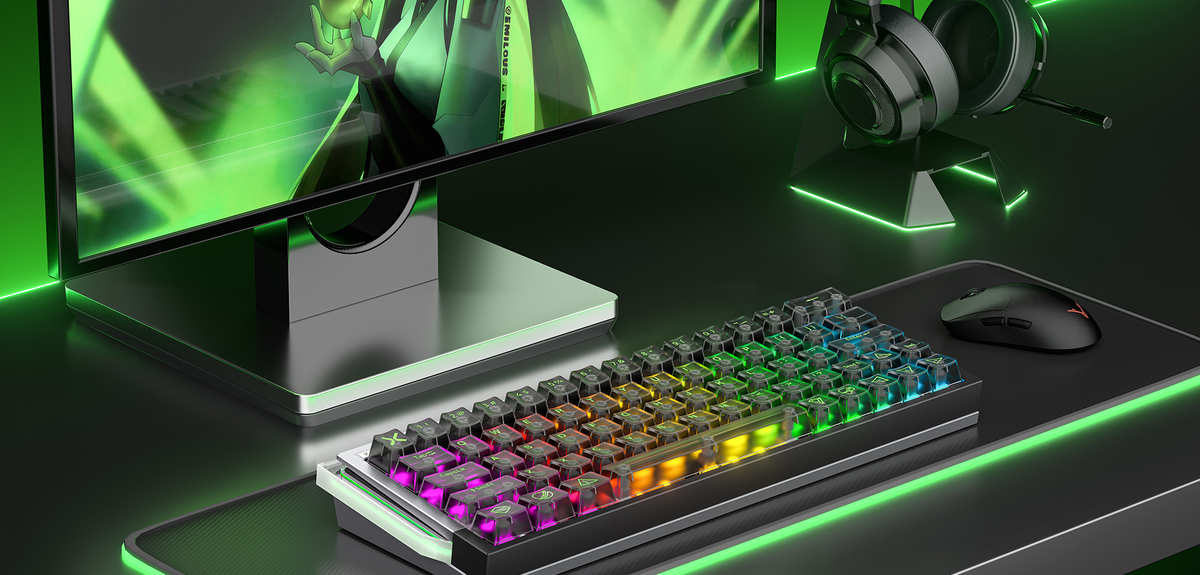
Switching to a Hall Effect keyboard is only the first step.
What truly unlocks its competitive advantage is how it’s configured. Many gamers use Hall Effect keyboards with default settings — missing out on the very features that define this technology: adjustable actuation, rapid trigger function, and per-key control.
This guide focuses on practical competitive configurations, independent of brand or model, and explains how to turn Hall Effect hardware into a real in-game advantage.
Unlike traditional mechanical keyboards, Hall Effect keyboards allow you to control when a key activates based on press depth.
Actuation distance refers to how deeply a key is pressed before it registers input.
With adjustable actuation, you can:
● Use ultra-short travel for faster reaction
● Set deeper actuation for stability and accuracy
This turns keystrokes from fixed behavior into tunable input signals.


Goal: Fast strafing and instant counter-movement
Recommended settings:
● Actuation distance: 0.1–0.4 mm
● Movement keys (WASD): Short actuation
● Ability/utility keys: Medium actuation
Why it works:
● Faster key activation
● Cleaner stop-and-go movement
● Reduced input latency during strafes
Goal: Input consistency and timing accuracy
Recommended settings:
● Actuation distance: 0.8–1.5 mm
● Uniform actuation across main keys
Why it works:
● Prevents accidental inputs
● Improves timing precision
Goal: Balance speed and comfort
Recommended settings:
● Movement keys: Short actuation
● Alphanumeric keys: Medium actuation
● Modifier keys: Deeper actuation
This minimizes fatigue while maintaining competitive responsiveness.

Rapid Trigger allows keys to:
● Activate on press
● Reset immediately on release movement
● Ignore fixed reset points
Enable Rapid Trigger for:
● Movement keys
● Frequently tapped action keys
Avoid enabling it for:
● Typing-heavy keys
● Modifier keys that are often held down
Selective use improves control without increasing accidental inputs.
Best practices:
● Short actuation on movement keys
● Medium actuation on abilities
● Deeper actuation on system keys
This mirrors how competitive players naturally interact with their keyboards.
❌ Set everything to ultra-short actuation
Too sensitive setups often reduce control rather than improve it.
❌ Ignore software profiles
Different games require different configurations.
❌ Treat Hall Effect like mechanical
Hall Effect keyboards are not plug-and-play — they are tunable input devices.
Revisit your configuration:
● When switching game genres
● After major game updates
● As your playstyle evolves
Treat actuation settings like mouse DPI or sensitivity — part of your overall optimization.
Hall Effect keyboards offer something that traditional keyboards never could: control over how your input behaves.
The difference between the default and optimized configuration can:
● Improve movement precision
● Reduce reaction delay
● Increase consistency under pressure
In competitive gaming, configuration isn’t optional — it’s the advantage.
What is the best actuation setting for FPS games?
Most competitive FPS players benefit from very short actuation on movement keys, typically between 0.1 – 0.4 mm.
Should I enable rapid trigger for all keys?
No need. Rapid Trigger works best on movement and frequently tapped keys, not on typing or modifier keys.
Do Hall Effect keyboards require software?
Yes. Software is essential to unlock adjustable actuation and per-key customization features.
adjustable trigger magnetic keyboard
 Best Hall Effect gaming keyboard
 Best Hall Effect gaming keyboard