
 adjustable trigger magnetic keyboard

카트
장바구니가 비어있습니다
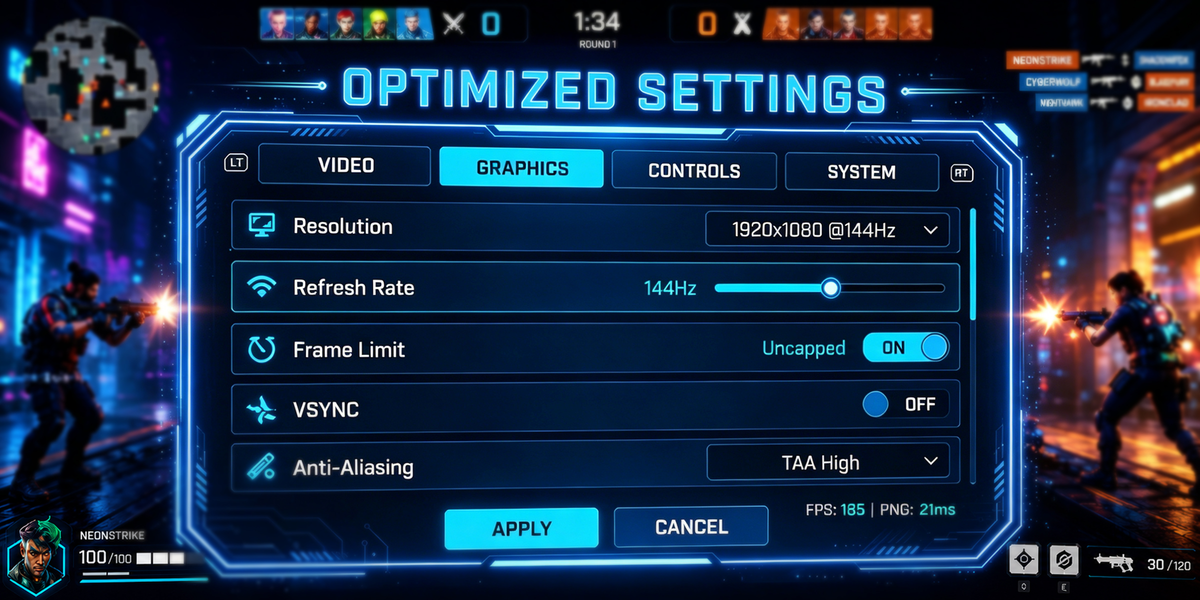
Hall Effect keyboards are highly customizable.
But aggressive settings do not always improve gameplay.
The best setting balances:
● Responsiveness
● Stability
● Consistency

These settings work well for most FPS players.
Lower actuation:
● Faster response
● More sensitivity
● Higher accidental input risk
Higher actuation:
● More stability
● Better control
● Slightly slower feel
Most competitive players prefer lower actuation for movement keys (WASD).
Many users immediately adopt extreme sensitivity, which might reduce consistency.
Improper dead zones can make movement unstable.
Professional settings may feel too aggressive for average users.
The best Hall Effect settings prioritize consistency over maximum sensitivity.
Start at a moderate level, then adjust based on gameplay feel.
Usually 0.2 mm–0.4 mm for FPS games.
Not for most players.
No. Movement keys often benefit from different tuning.
adjustable trigger magnetic keyboard
 best keyboard for FPS games
 Best Hall Effect gaming keyboard